Another dimension · our CRM
It started with Excel and a cork board. Today everything the company runs on lives in one system we built ourselves: clients, tasks, projects, files and campaigns.
Generated data, read-only.
A tour of the system
Eight screens from everyday work
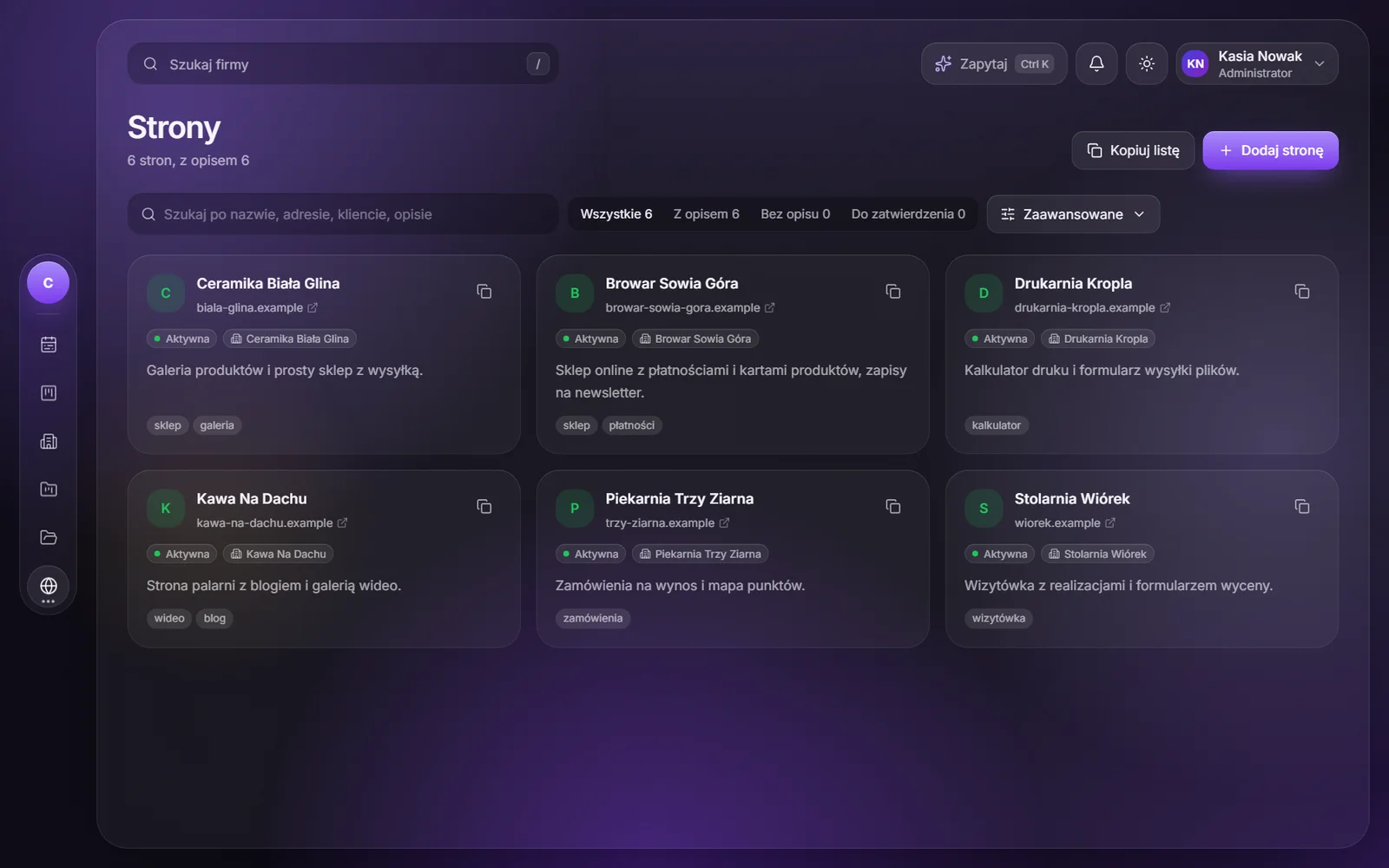
Keep scrolling and you will see recordings from the system. You can enlarge every shot. The interface is in Polish, and the companies and people on screen are made up: no data from our clients.
01The week
Monday starts with a single screen
Reminders, tasks and payments laid out from Monday to Sunday. You can see right away what is on for today, what is still ahead and what is running late. One click narrows the view down to just tasks or payments.
02Companies
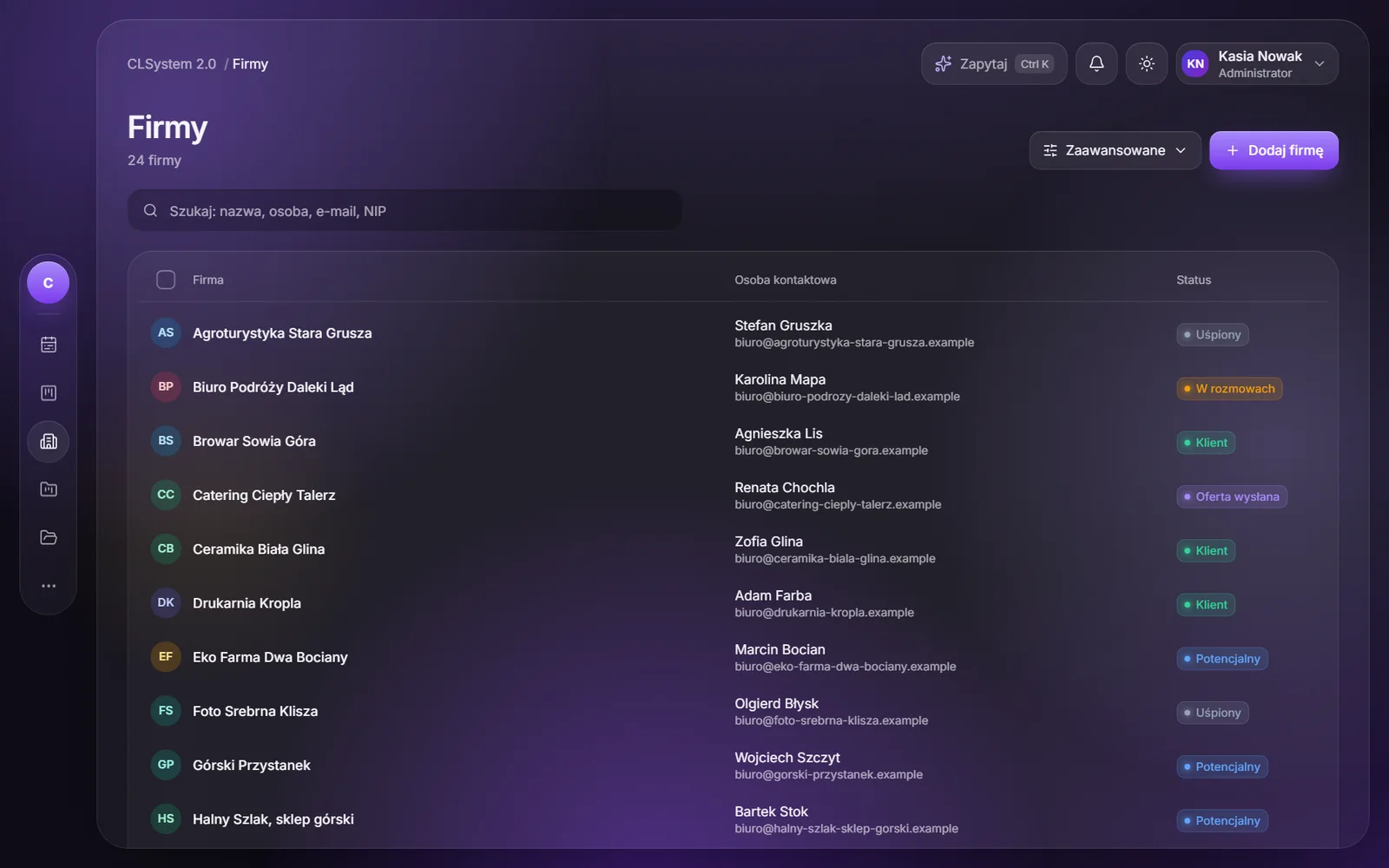
Every client has their own story
A slash and a few letters take you to a company card. It holds notes, people, reminders, tasks and projects, plus a score for how hot the lead is. Purchased lists sit in separate bases, so they do not bury the main one.
03Workflow
After time off, you know where to start
You get back from a week off and open the Clients board. Overdue tasks glow red, today’s glow yellow, and every card shows the company and the people assigned to the task. Tasks live in the same system as clients and projects, so you do not have to ask anyone what happened.
04Projects
The client asks on Telegram
You are building a hotel website with online booking. The manager asks on Telegram when it goes live, and the message lands in the project chat, next to the tasks, files and timeline. You reply from the CRM with the dates in front of you, and the answer goes back to Telegram. If they like, you invite them as a guest and they only see their own project.
05Whiteboards
A meeting with no meeting room
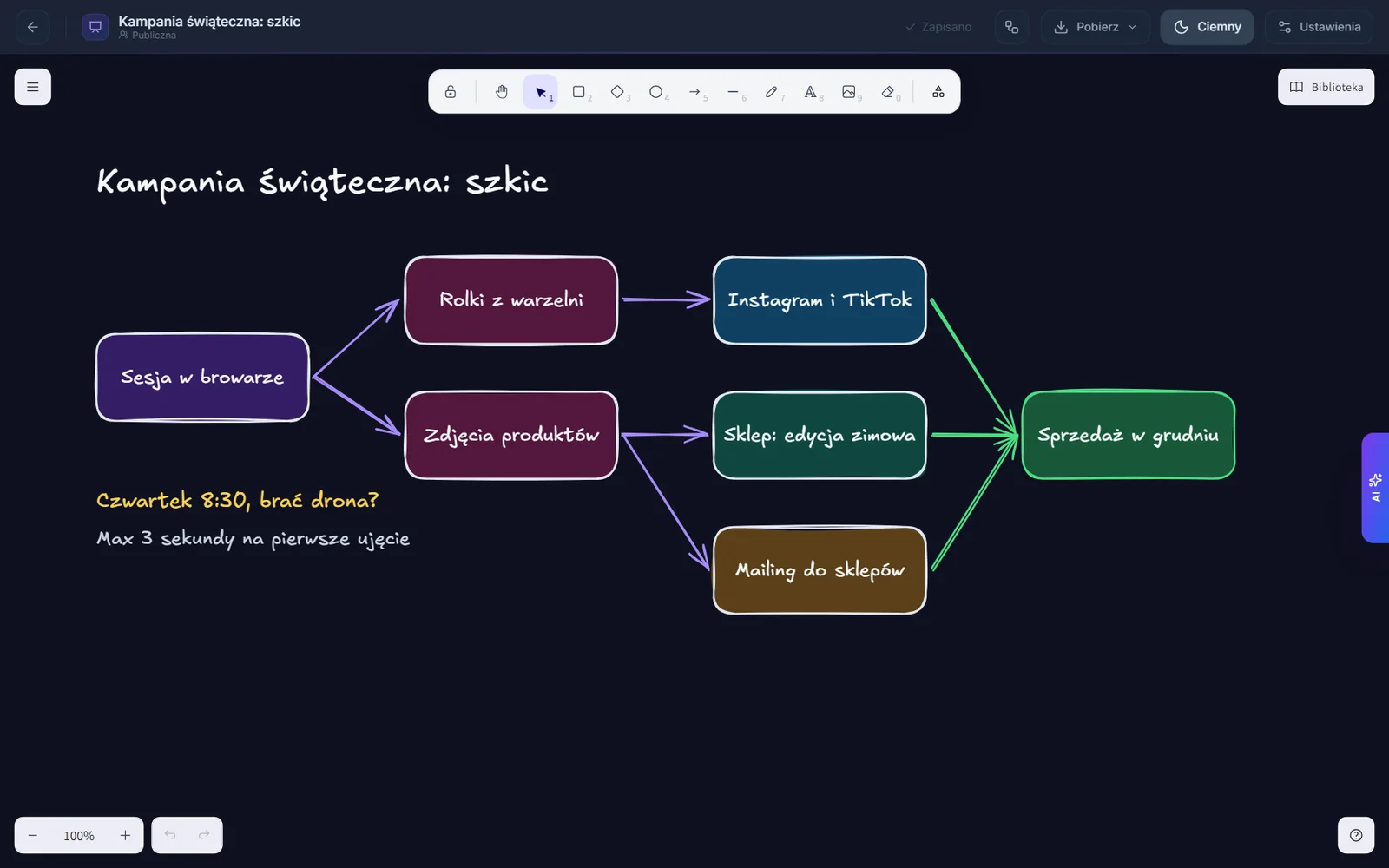
You are planning the holiday campaign, but everyone is at their own desk. You open the same whiteboard as the rest of the team: you move the arrows, the designer adds new boxes, and the question “take the drone?” lands next to them as a note. Every cursor shows a name, and if something goes wrong, you roll back to an earlier version.
06AI Manager
An AI agent reports every send
An AI agent runs the campaigns and the system keeps them supervised: every email in the version the recipient got, posts with graphics, and results. Before a send it checks whether anyone on the list recently got another message, and people who opted out cannot be added.
07Ideas
New ideas every day, no repeats
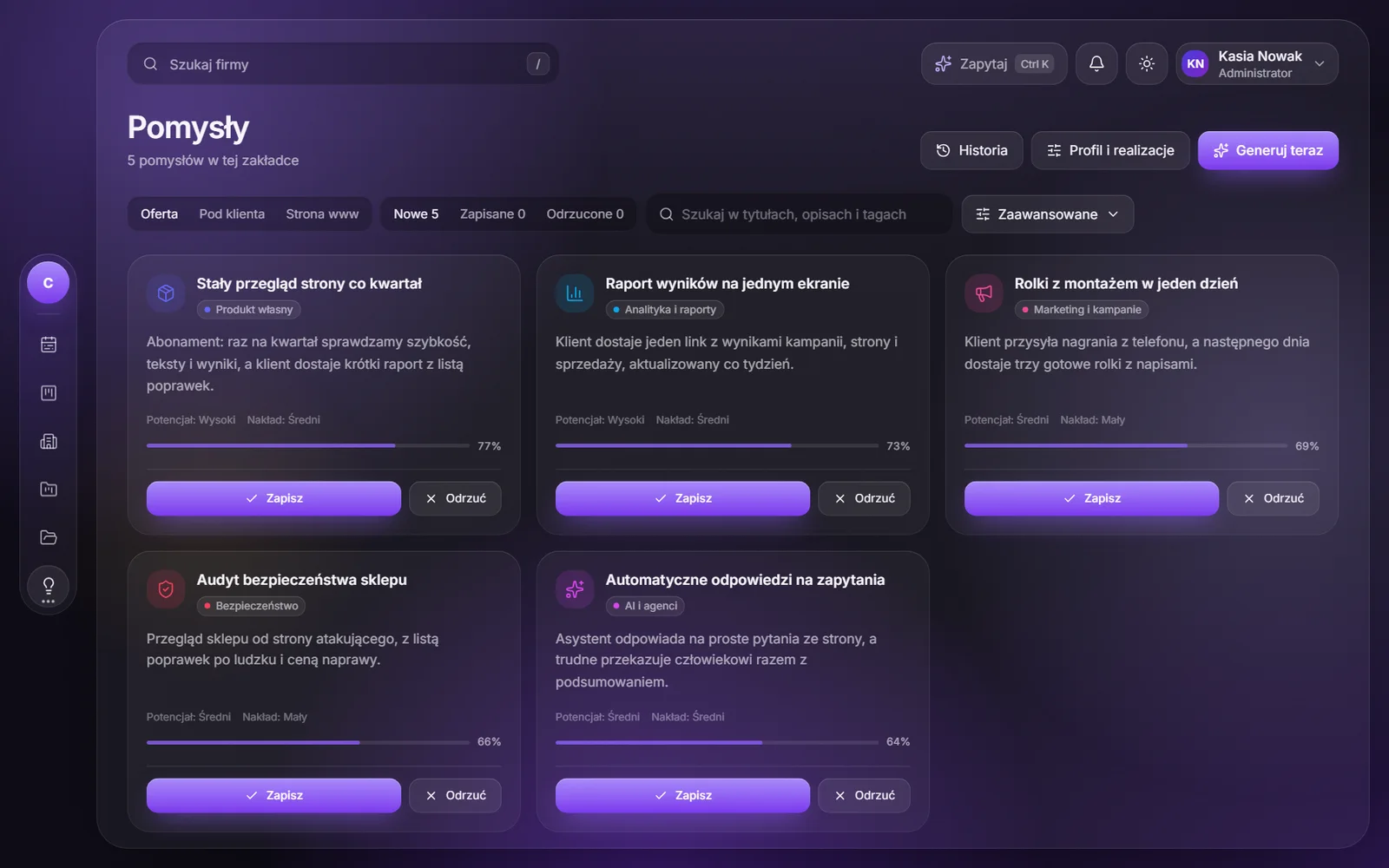
Once a day, AI goes through our profile, quotes and company base, then suggests what to do next. It discards repeats and remembers why ideas were rejected. It only runs on our own model, so client names and notes never leave the building.
08Under the hood
A system that agents talk to as well
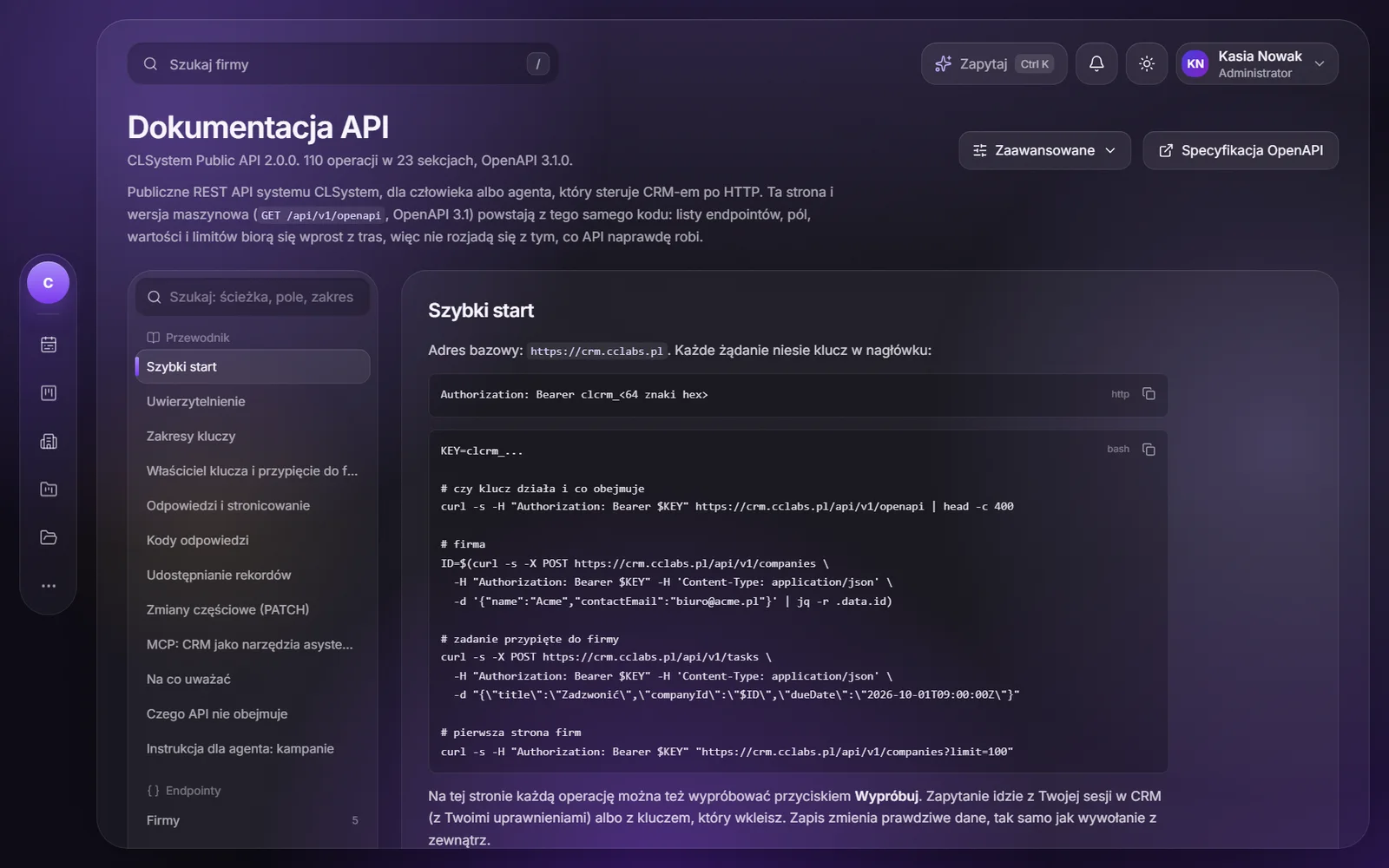
The public API has 110 operations, and the documentation comes from the same code, so it cannot drift from what the API really does. An AI agent can also work in the CRM directly through MCP, and every key has its own permissions and can be pinned to chosen companies. Our Orbita City command center reads data from it and shows it as the client factory.
- Next.js 16
- React 19
- PostgreSQL
- WebSockets
- OpenAPI 3.1
- MCP
And on top of that
The rest of the system
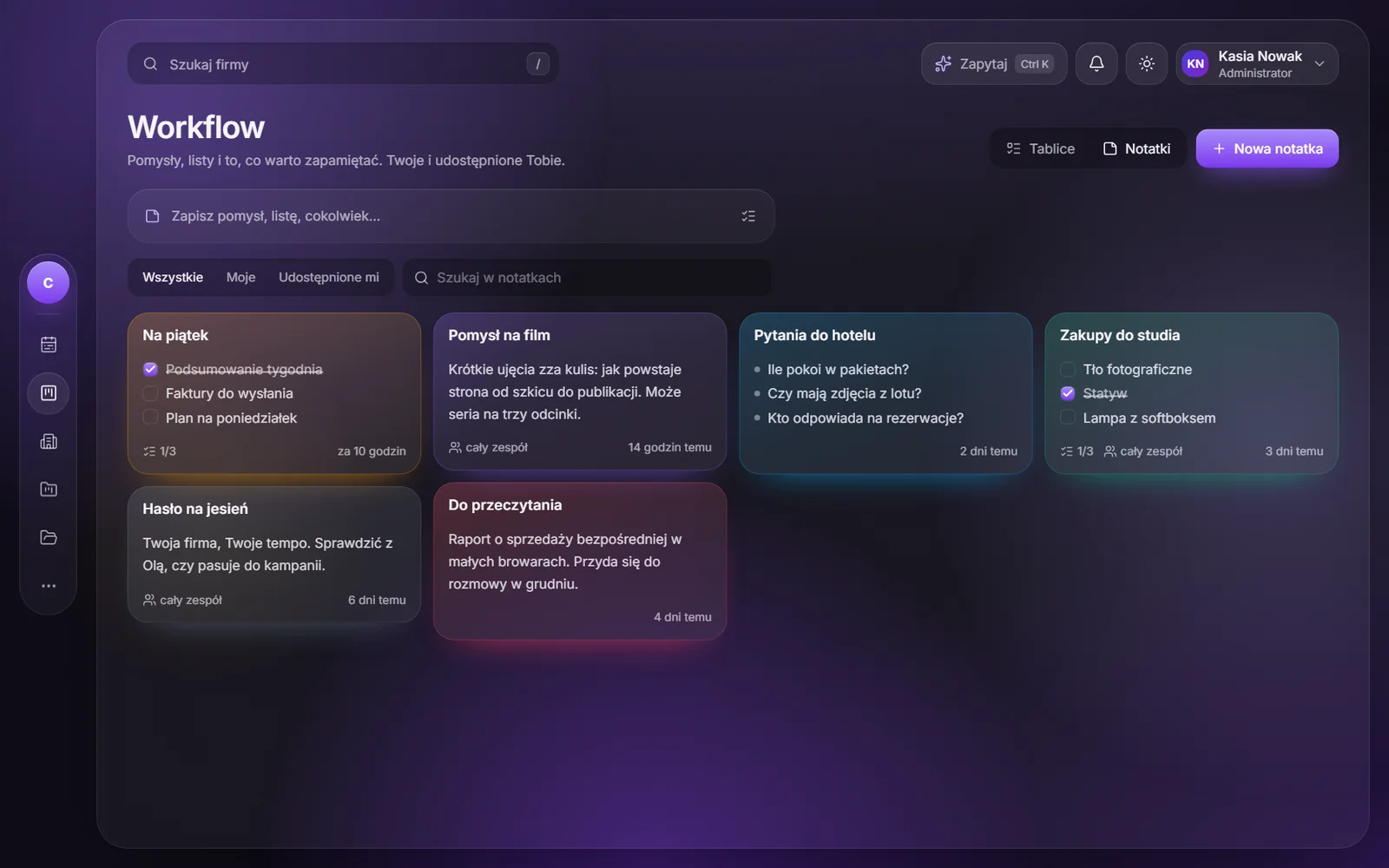
Things you do not have to remember, because they are simply where they should be.
- QuotesWith a public link where the client reviews and accepts them.
- InvoicesRecurring ones too, and due dates land in the week on their own.
- Calendar and timeDates in one place, working time tracked per project.
- FilesFolders, permissions, versions and share links.
- Portal passwordsEncrypted and tied to a project. Every reveal stays in the history.
- AutomationsWhen something happens, the system takes the next step itself.
- AskA question in plain language, an answer from CRM data, with permissions respected.
- Sign-inOne-time codes, hardware keys and a Telegram code on a new browser.
For your business
Has Excel stopped being enough for you too?
CLSystem is ours and we work in it every day, but we build custom systems the same way: only what you really use, shaped around the way you work.